
 English
 Русский
 Polski
 Magyar
 O‘zbek
 Қазақша
 Azərbaycan
 日本語
日本語 Español
 Türkçe
 Italiano
 Српски
The Vavada casino app is in practice the mobile version of the site in PWA (Progressive Web App) mode. You don't install anything from Google Play or the App Store. You open the site in your browser, create a shortcut on your home screen, and have an icon next to your bank or messenger app. Games load in HTML5, the interface scales to a small screen.
Vavada app for your phone: PWA instead of APK
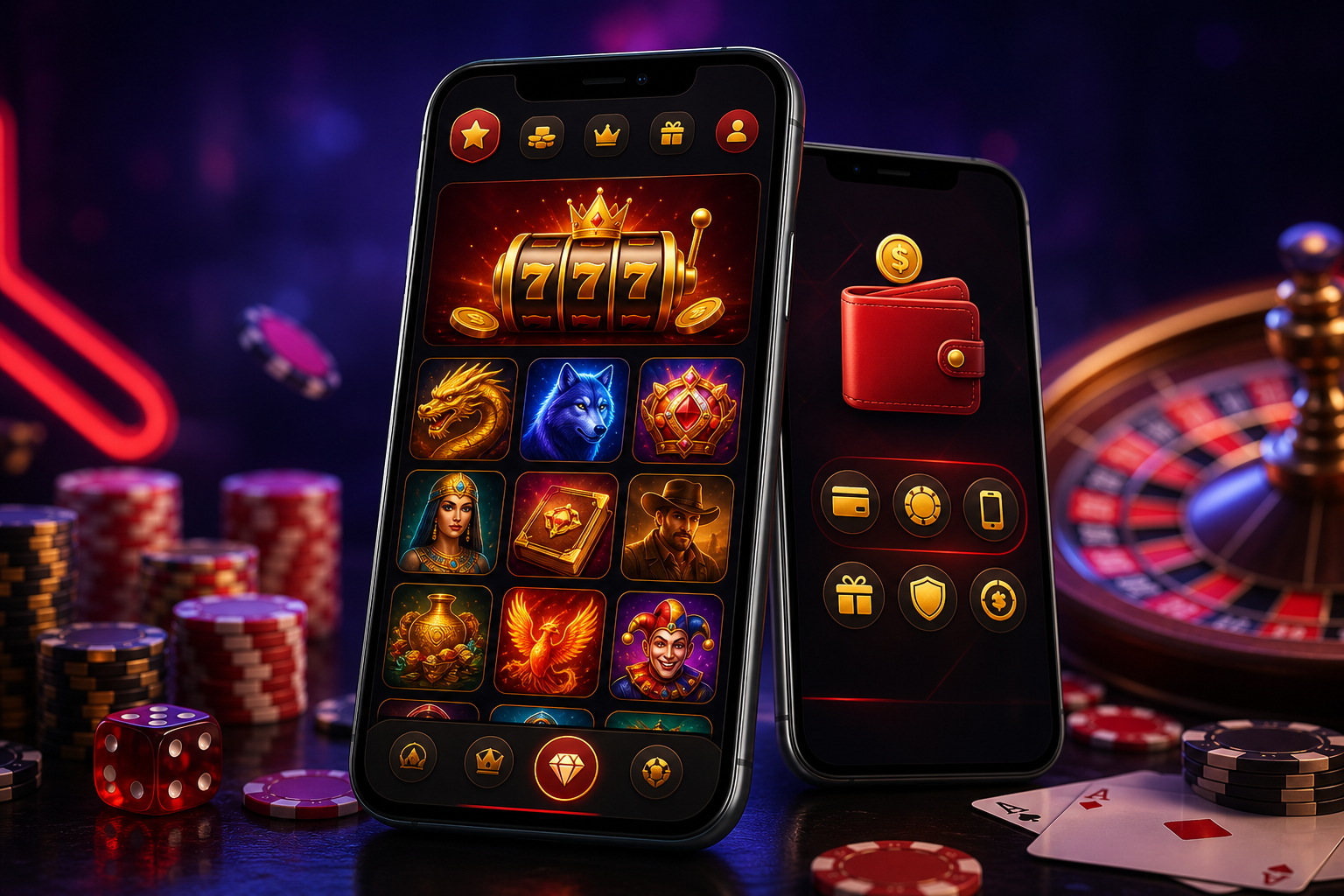
Around the web you'll find queries for "download vavada" and APK files from outside the official site. The official route looks different: a PWA through the browser. There are no manual updates, it doesn't take gigabytes of storage, and once you've added the shortcut you launch the casino with one tap.
The shortcut opens the site in full-screen mode, without the Chrome or Safari address bar. The cache keeps some resources locally, so subsequent visits load the lobby faster than an ordinary tab. It's still the same casino site, just a more convenient launch from your phone's home screen.
No store
No install from Google Play or the App Store. Chrome or Safari is enough.
Auto updates
The new version of the site loads on your next visit. No hunting for patches.
Small footprint
The shortcut is a few megabytes of cache, not a full native app.
Android and iOS
The same logic on Samsung, Pixel, iPhone and iPad.
How to download the Vavada app
"Download" here means adding a PWA shortcut, not fetching an apk. Two routes: Android and Apple.
Installing on Android
- Open the Vavada site in Chrome (Samsung Internet works too).
- The three-dot menu in the top right corner.
- The "Add to Home screen" or "Install app" item, if Chrome offers it.
- Confirm the shortcut name. The icon appears on your home screen.
Installing on iPhone and iPad
- Open the site in Safari (other browsers on iOS often don't fully support PWA).
- The "Share" icon at the bottom of the screen.
- "Add to Home Screen".
- Confirm. The Vavada shortcut lands next to your other apps.
What works in the mobile app

After opening through the shortcut you have the same panel as on desktop: registration, login, deposits, withdrawals, bonuses and codes, cashback, VIP status. The library holds over 4,500 games, including live from Evolution and demo mode without a deposit.
On Android and iPhone the same account layout works: balance, transaction history and active promotions sync across devices after login. Live and slots in HTML5 scale to a small screen; crash games like Aviator also start from the PWA shortcut without a separate install.
- Registration and KYC verification from your phone
- Deposits by card, wallet, crypto; withdrawals through the same channels as on PC
- Slots, live tables, crash games (Aviator and similar)
- 24/7 support chat
Payment and payout-time details are described on the homepage. Game categories: slots, live games, tables, tournaments.
Technical requirements
| System | Browser | Notes |
|---|---|---|
| Android 7.0+ | Chrome, Samsung Internet | stable Wi‑Fi or LTE/5G |
| iOS 13+ | Safari | PWA via Safari only |
| Tablet | as above | layout adapts to a larger screen |
| Computer | any modern browser | full desktop version without a shortcut |